
 #1 Best Results#1 Most Implementable#1 Highest User AdoptionScreen-Aware Roleplays · Practice
Practice the Demo, Not Just the Talk Track
Sales and support reps share their screen in an Outdoo AI roleplay. Outdoo tracks the product, slides, or video, checks that the right message went with the right screen, and shows managers the result.
- Product demos
- Presentations
- Videos
Trusted by 250+ enterprises, including Fortune 500 teams











Why Demo Practice Misses the Screen
Customers judge a demo by what they see and hear together, but most practice only checks the words.
Talk Tracks Are Practiced Without the Product
Reps rehearse the pitch, then run the real demo for the first time in front of a buyer.
The Wrong Screen Goes Unnoticed
A strong talk track over the wrong screen confuses customers, and nobody catches it before the call.
Managers Can't Sit In on Every Demo
Reviewing demo rehearsals one by one doesn't scale, so demo quality varies by rep.
Scored on What Reps Say and What They Show
Screen-Aware Roleplays are AI roleplays with screen sharing, matching what was said to what was shown.
Start a Roleplay and Share Your Screen
The rep starts an AI roleplay and clicks Share screen. Outdoo tracks the demo, presentation, or video and matches words to screens.
- Start a roleplay with an AI buyer
- Click Share screen
- Said and shown matched, screen by screen
Built for Demos, Walkthroughs, and Support Cases
For moments where showing and telling must line up: AE demos, onboarding walkthroughs, and support cases.
- Product demos and AE discovery calls
- Onboarding walkthroughs
- Support troubleshooting
The Right Words With the Right Screen
Outdoo checks that the rep says the right things at the right time. Wrong screens and unexplained screens both get caught.
- Right screen
- Right words and message
- Right moment in the conversation
See Where Each Rep's Message Matched the Screen
Managers see, for every rep, where the message matched the screen and where it didn't, so coaching targets the exact moment.
- Every rep, without sitting in
- Matched and missed moments, by screen
- Better demos and support walkthroughs
The Same Scorecard as Real Calls
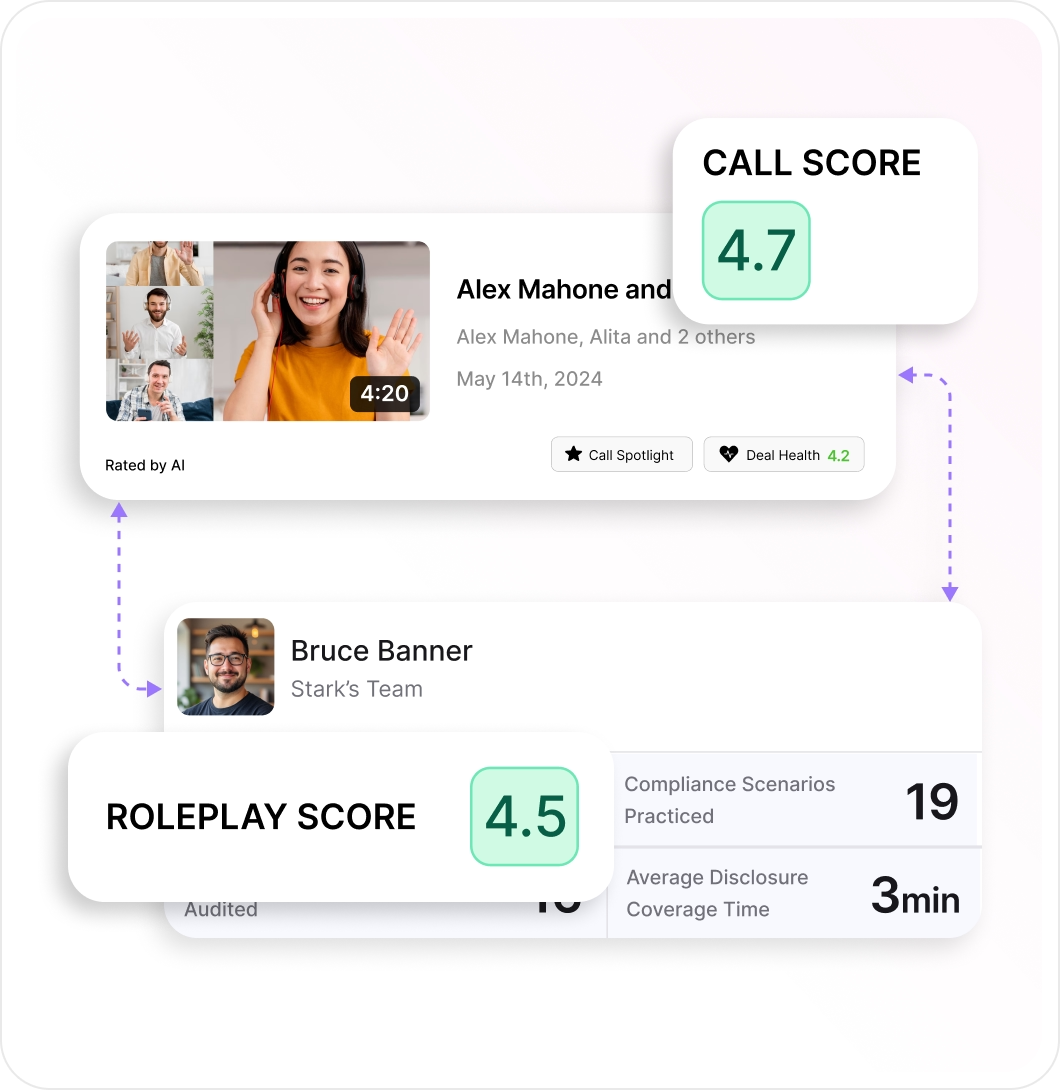
Screen-aware results sit on the same scorecard Outdoo uses for real calls, so leaders see whether demo practice shows up with customers.
- One scorecard for practice and real calls
- Video roleplays with lifelike AI avatars
- Available on the Growth and Enterprise plans
What Customers Say


Practicing against an AI that pushes back like a real engineer changes how you walk into the actual conversation.




Practicing post-sale conversations keeps our teams sharp and confident exactly when it matters most: retention and follow-through.

Frequently Asked Questions
Everything you need to know about Screen-Aware Roleplays.
What can be shared?
A product demo, a presentation, or a video. The rep clicks Share screen during the roleplay and Outdoo tracks what is on screen.
Does it work with video roleplays?
Yes. Screen-Aware Roleplays are built on Outdoo's video roleplays, so reps present to a lifelike AI avatar that responds in real time.
How is it scored?
Outdoo checks the right words and message went with the right screen at the right time. Results sit on the same scorecard as real calls.
What does the manager see?
For every rep, where the message matched the screen and where it didn't, so coaching goes to the exact moment.
Who is it built for?
Account executives running demos, onboarding teams running walkthroughs, and support agents guiding customers through a screen.
Which plans include Screen-Aware Roleplays?
Screen-Aware Roleplays are available on the Growth and Enterprise plans.
Enterprise-Ready
- SOC 2, GDPR, HIPAA, and CCPA
- SSO and permission profiles
- PII scrubbing
- Private cloud storage
- Workspaces by team, region, and vertical
- 120+ languages
- Dedicated CSM and SLAs
- Proof of concept before you commit
 GDPR
GDPR HIPAA
HIPAA CCPA
CCPA SOC 2
SOC 2See Screen-Aware Roleplays on Your Own Demo
A 30-minute walkthrough built around your team's calls. When you're ready, prove it with a proof of concept.