
- Videos
- Watch
How to Embed an AI Roleplay Agent in Salesforce (Step-by-Step)
Watch how customer-facing teams use Outdoo, the AI roleplay and training platform, to practice, coach, and ramp faster.

About This Video
Your team already lives in Salesforce all day. Now their sales roleplay practice can live there too, no new tab required.
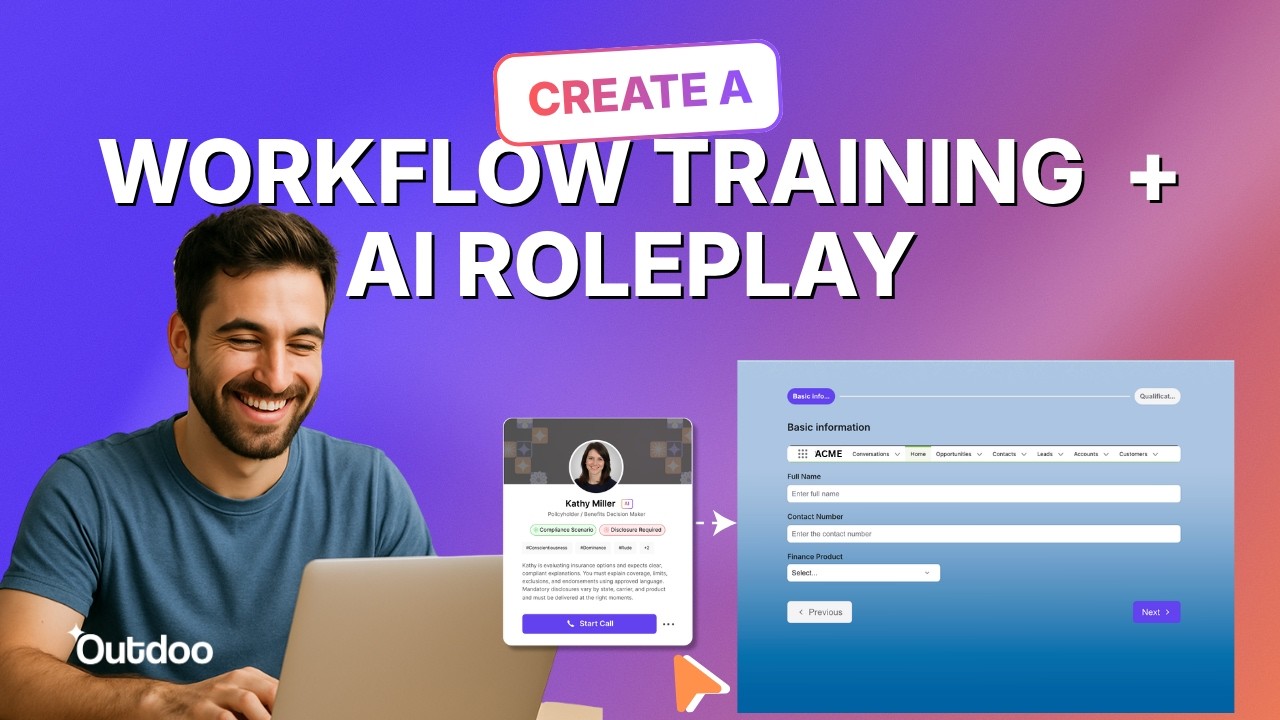
In this video, I walk through embedding an Outdoo AI roleplay agent directly into a Salesforce Lightning record page as a live practice panel. Get the embed code, set up the Visualforce page, allow camera/mic through Salesforce's Trusted URLs and Session Settings, and add it to a Lightning page with App Builder. Same trick also works outside Salesforce, in an LMS, SCM tool, or docs page.
Full setup guides, including camera/mic troubleshooting:
- Embed a Roleplay Agent in Salesforce: help.outdoo.ai/en/article/embed-a-roleplay-agent-in-salesforce
- Embed a Roleplay Agent Anywhere: help.outdoo.ai/en/article/embed-a-roleplay-agent-anywhere
Outdoo helps sales teams practice real conversations with AI-powered roleplay, then score and track that practice over time.


See AI Training Built for Performance
A 30-minute walkthrough built around your team's calls. When you're ready, prove it with a proof of concept.