
Tool trainers: teaching the software while the conversation is happening
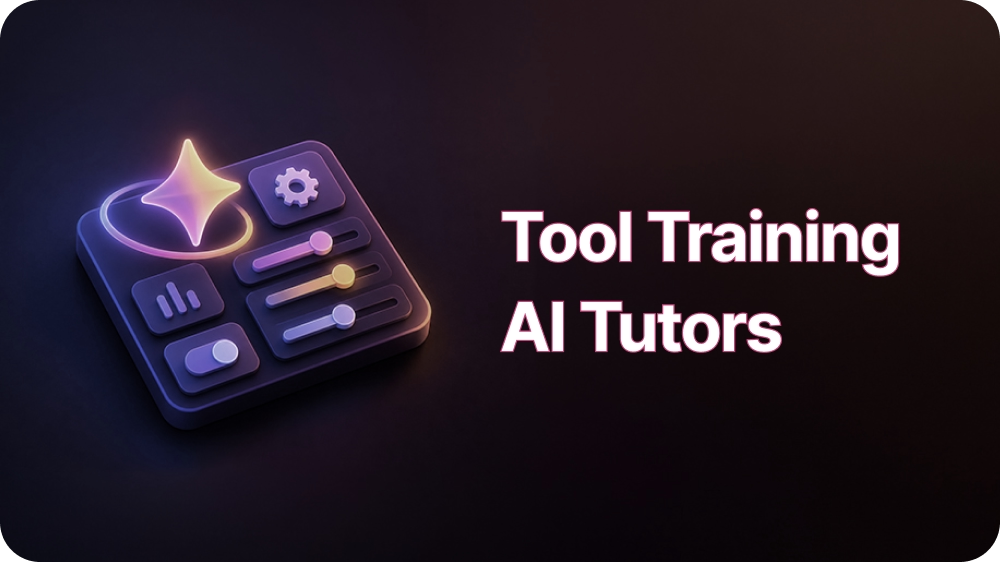
Tool trainers in Outdoo teach a specific application. The trainer shares its screen during the session, so it can point at the field it is describing.
Read →
Outdoo courses export as SCORM packages for any LMS, and as of v3.5.1 the SCORM build now auto-updates without a manual re-export or re-import.
An admin used to build a roleplay course in Outdoo, export it as a SCORM package, upload it to the company LMS, and then repeat that entire round trip every time the course changed. As of v3.5.1, the round trip after the first upload is gone.
Most enterprises already have an LMS of record, Docebo, Cornerstone, Moodle, Workday, SAP SuccessFactors, and dozens of others, wired into HR systems, compliance reporting, and existing learner accounts. Asking learners to switch to a second platform for roleplay training creates friction and a second system to administer.
But exporting content to an LMS has historically come with a tradeoff: the moment the source course changes, the exported copy is stale until someone manually re-exports and re-uploads it.
Any Outdoo course can be exported as a SCORM 1.2 or SCORM 2004 (4th edition) package (pick the version in the Export SCORM dialog) from Manage > Courses, packaging the course structure, lessons, resources, passing criteria, and sequencing into a single .zip file. That package uploads into the LMS like any other SCORM course, and completion and pass or fail status report back into the LMS according to the SCORM standard, so the LMS stays the system of record for training completion. This capability has been available since v2.11 in October 2025.
The change in v3.5.1, released April 2026, is what happens after that first upload. Outdoo now auto-updates the SCORM build behind the scenes, so admins no longer need to re-export and re-import the package to push a change to a lesson, a resource, or a scoring rule into the version learners see inside their LMS. The link between the LMS and the source course stays current without a repeated manual step.
Individual completion still has to trace back to a specific person, and that link runs through a separate setting: each learner needs an LMS Learner ID set on their Outdoo profile, which admins add or update at Settings > People Settings > Team Management. The export also has a clear boundary. It carries completion and pass or fail status into the LMS gradebook, but not real-time scorecard feedback or coaching notes, those stay inside Outdoo for managers reviewing individual sessions. Full export instructions are in LMS integration (SCORM export).
A learning and development team can keep editing and improving a roleplay course, fixing a scoring rubric, updating a scenario, adding a lesson, without maintaining a second checklist to keep the LMS copy in sync. A large enterprise with SAP SuccessFactors or Workday already handling every other compliance course can add Outdoo roleplay training to that same catalog and trust that what learners see reflects the current version, not whatever was true on export day.
A healthcare organization running mandatory compliance refreshers through Cornerstone OnDemand can set each learner's LMS Learner ID once during rollout, so a care coordinator completing a roleplay-based compliance module inside Cornerstone reports back to the right Outdoo record automatically, with no separate roster to reconcile by hand and no risk of a completion landing against the wrong employee during an audit.
Every export format makes an implicit bet about how often the source will change.
SCORM's original bet was rarely, which is why a static package felt like a reasonable unit to hand off to an LMS. Course content doesn't hold still like that once a team is actually iterating on scoring rules and lessons.
Exporting content into another system used to mean choosing between staying current and staying integrated. Now the export doesn't have to go stale to stay put.
Tool trainers in Outdoo teach a specific application. The trainer shares its screen during the session, so it can point at the field it is describing.
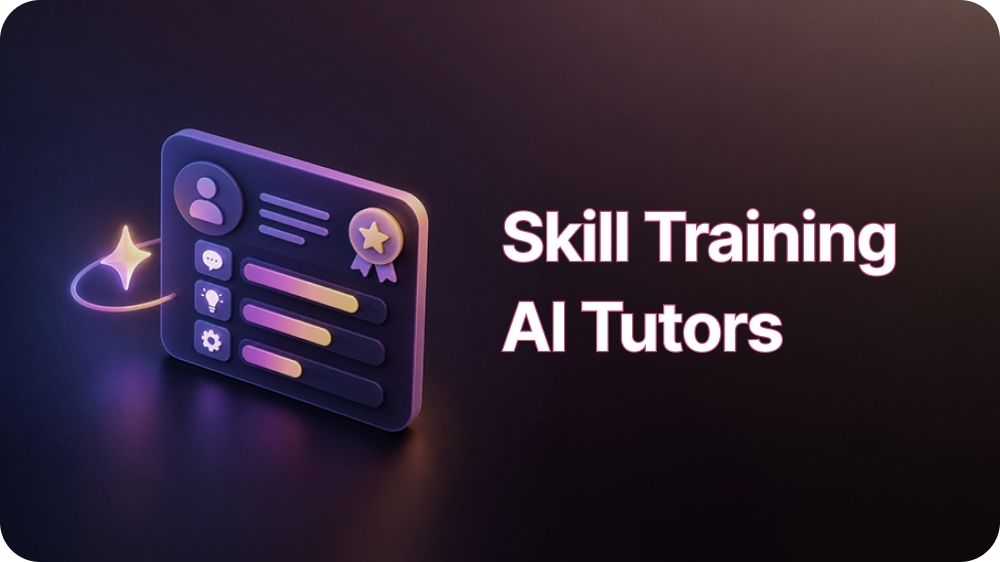
Skill trainers in Outdoo teach applied practice. The trainer takes a part in the conversation, pushes back, and tells your team what to do differently.
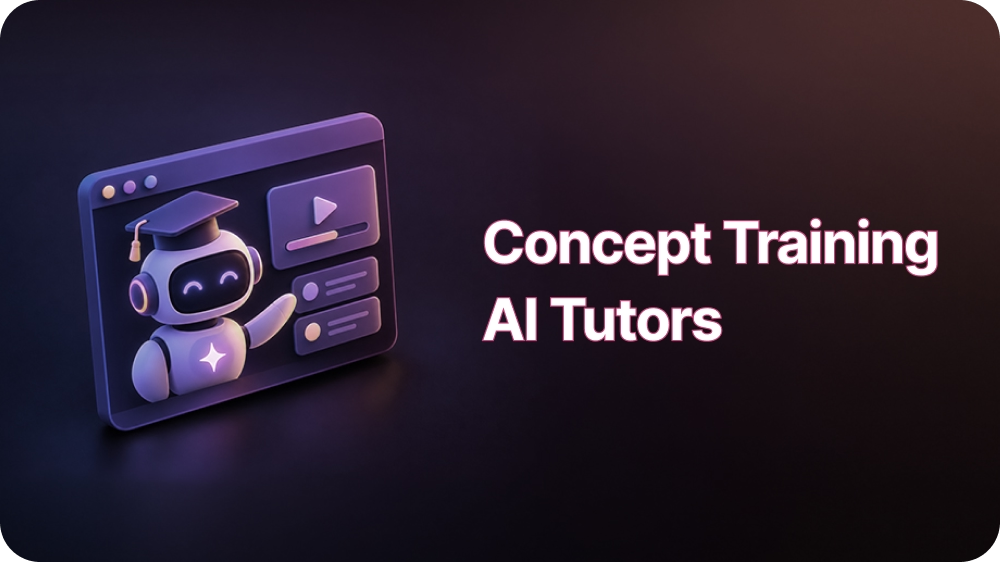
Concept trainers in Outdoo teach foundational knowledge from your own documents. Attach a plan summary and your team learns it by talking it through.
A 30-minute walkthrough built around your team's calls. When you're ready, prove it with a proof of concept.