 #1 Best Results#1 Most Implementable#1 Highest User AdoptionWorkflow Training · Practice
Train the Conversation and the Workflow
Outdoo simulates customer conversations and the software tasks that follow them, so customer-facing teams practice the whole job, not just the talking.
- Practice the call
- Practice the CRM entry
- One scorecard for both
Trusted by 250+ enterprises, including Fortune 500 teams











Why Training Stops When the Call Ends
Most training stops when the conversation ends, so gaps surface later as missed updates and process errors.
Training Ignores Real Calls
Training covers generic scenarios, not how your real conversations unfold.
Software Steps Get Missed
Reps struggle with record updates, dispositions, and post-call process steps.
Errors Show Up as Bad CRM Data
Skipped steps surface later as wrong CRM fields and compliance risk.
From the Customer Call to the Finished Record
Roleplays train the conversation, simulations train the system work, and both are scored against real calls.
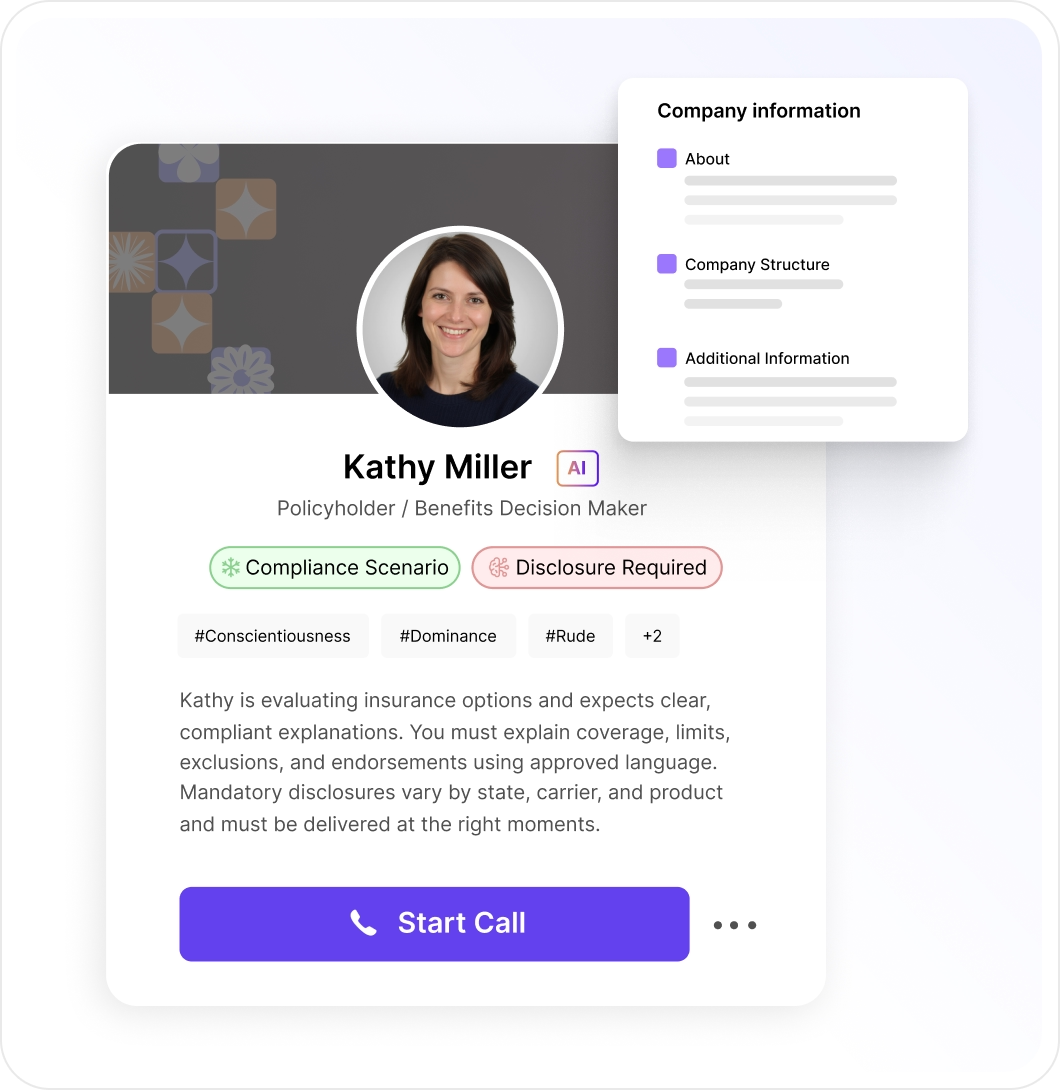
Practice the Conversation First
If the conversation is shaky, nothing downstream works. Roleplays come from real transcripts, so reps rehearse real objections.
- From real calls and transcripts
- Discovery, objections, and deal conversations
- Lifelike AI buyers
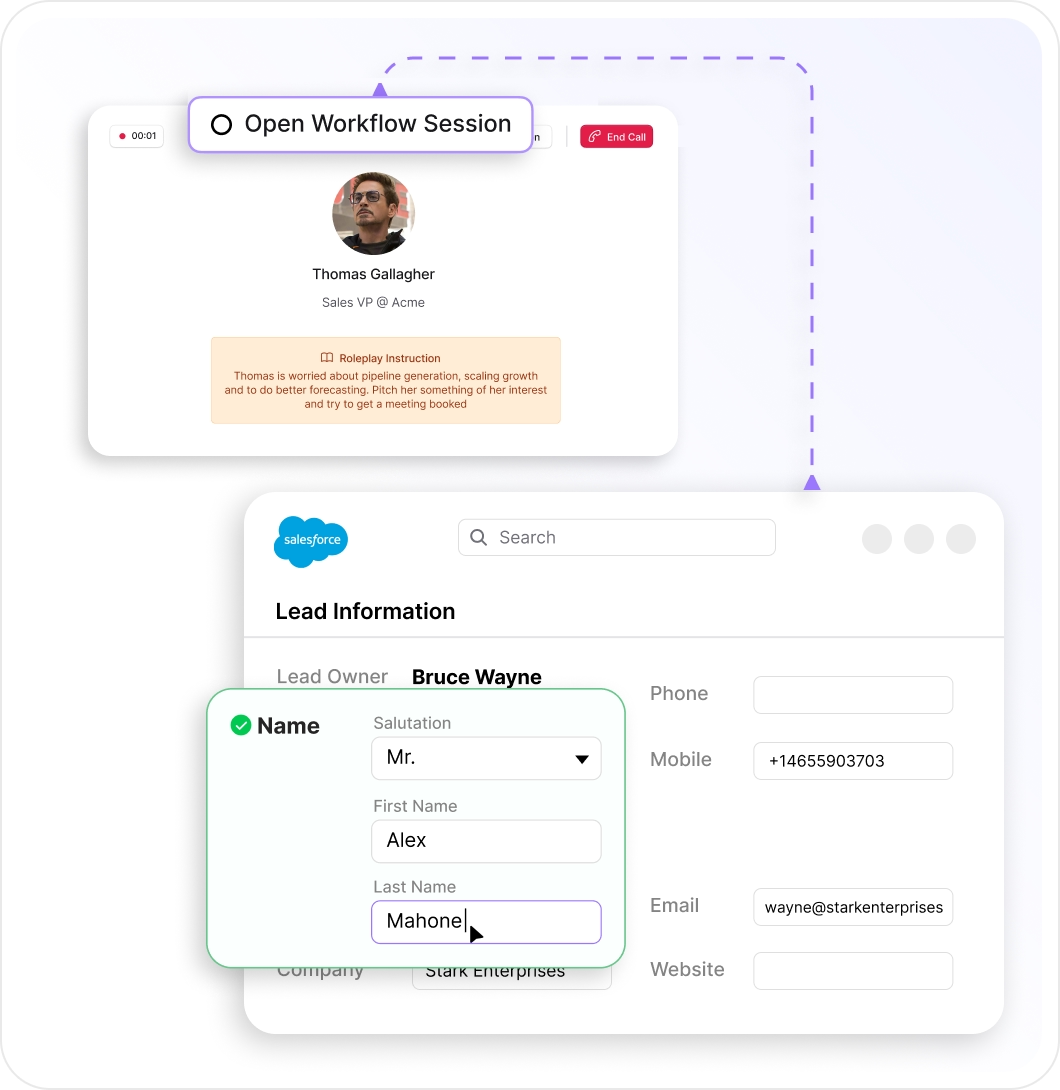
Then Practice the CRM Entry That Follows
Most gaps show up after the call, in a missed update. The simulation mirrors your systems without touching them, so mistakes get caught in practice.
- Logging, disposition, and data entry
- Every field, step, and validation captured
- No production data touched
Learn the Tool Before the Simulation
For a new system or process, an AI Trainer walks the rep through the tool on screen, checks each step, then hands off to the simulation.
- On-screen guidance, step by step
- Understanding checked before moving on
- Built from your SOPs
 AI TrainerSet the stage before you add the next step.
Scored the Same Way as Real Calls
The same scorecard covers practice and real calls, so leaders see whether training changed how the job gets done.
- Real calls scored like practice
- Conversation and execution measured together
- Follow-through tracked in system data
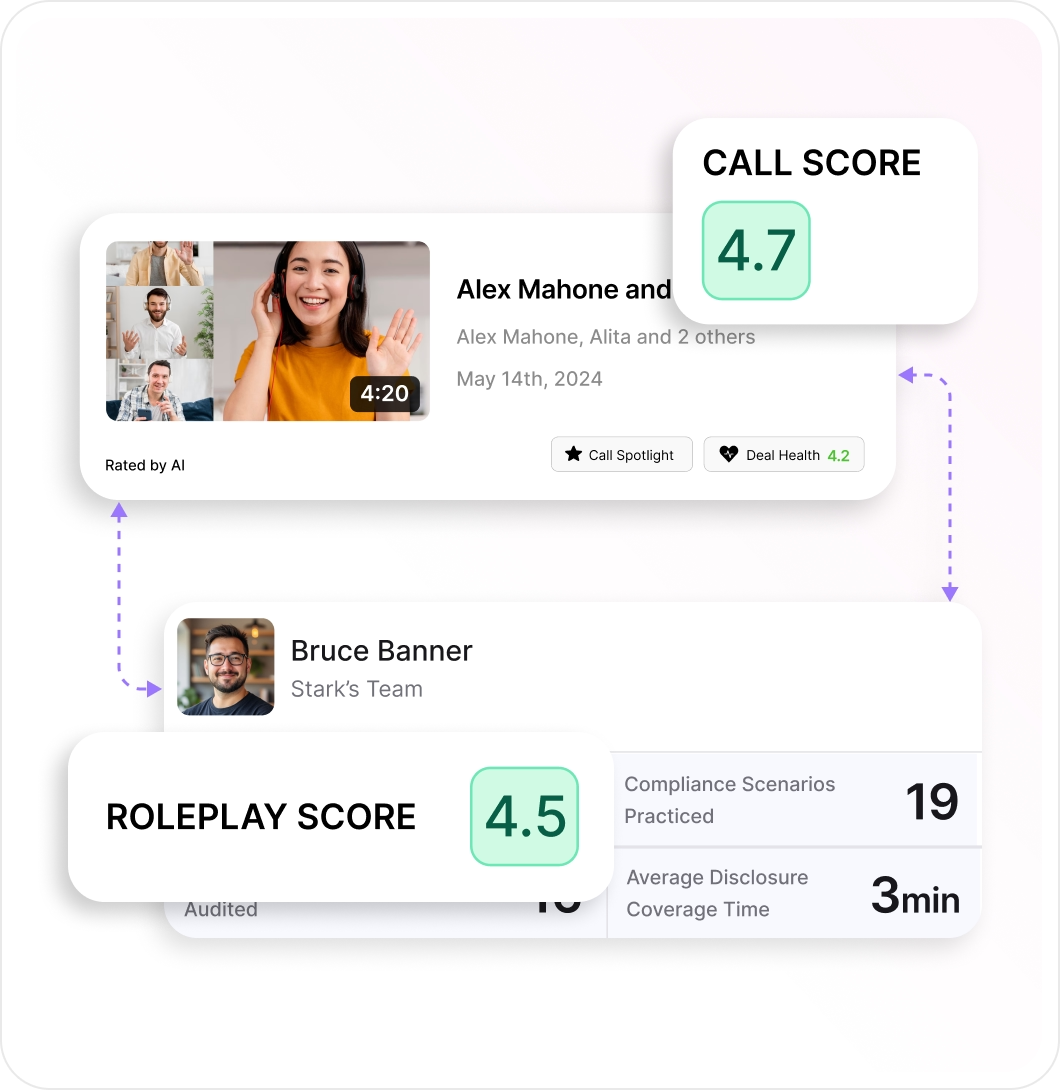
Connect Practice to Performance
Outdoo checks the next real call and workflow, and Outdoo AI Coach sends the rep to the exact fix, not a blanket refresher.
- Roleplays, workflows, and real calls linked
- Practice-to-execution gaps spotted
- Next scored call confirms the fix
What Customers Say



Practicing against an AI that pushes back like a real engineer changes how you walk into the actual conversation.



Practicing post-sale conversations keeps our teams sharp and confident exactly when it matters most: retention and follow-through.

Frequently Asked Questions
Everything you need to know about Workflow Training.
How is workflow training different from roleplay?
Roleplay covers the conversation; workflow training covers the logging, disposition, and data entry that follow. Outdoo runs both in one session.
Can teams practice real workflows without affecting live systems?
Yes. Simulations replicate your systems in a safe environment, so nothing reaches production data or real customers.
How does simulation training improve real performance?
Reps practice the conversation and CRM entry, get instant feedback, and are scored like real calls. That shortens ramp and cuts errors in live records.
What makes Outdoo different from other AI roleplay tools?
Most AI roleplay tools stop when the conversation ends. Outdoo also simulates the CRM update, activity logging, and post-call tasks.
Does Outdoo update the CRM after real calls too?
Yes. After a real call, Outdoo updates the CRM record from the conversation. See CRM Automation.
Is it secure enough for enterprise?
Yes. Outdoo complies with SOC 2, GDPR, HIPAA, and CCPA, and includes SSO, role-based access controls, private cloud options, and PII data scrubbing.
Enterprise-Ready
- SOC 2, GDPR, HIPAA, and CCPA
- SSO and permission profiles
- PII scrubbing
- Private cloud storage
- Workspaces by team, region, and vertical
- 120+ languages
- Dedicated CSM and SLAs
- Proof of concept before you commit
 GDPR
GDPR HIPAA
HIPAA CCPA
CCPA SOC 2
SOC 2Practice the Call and the CRM Entry
A 30-minute walkthrough built around your team's calls. When you're ready, prove it with a proof of concept.