
Tool trainers: teaching the software while the conversation is happening
Tool trainers in Outdoo teach a specific application. The trainer shares its screen during the session, so it can point at the field it is describing.
Read →
Outdoo roleplay calls now show live captions in real time, and scorecard timestamps that jump directly to the relevant moment in the recording.
A rep mishears one word in a fast objection, guesses at the response, and the scorecard afterward flags a vague comment about "the pricing thing" with no way to find where it happened. Neither problem needed to exist.
Roleplay calls move fast, and accents, audio quality, or dense back-and-forth on objections and pricing can cause a rep to miss a word or a number mid-call. Reviewing feedback afterward has the opposite problem: a scorecard note like "good recovery on the budget objection" is only useful if the rep can find that exact moment in a twenty-minute recording without scrubbing through it manually.
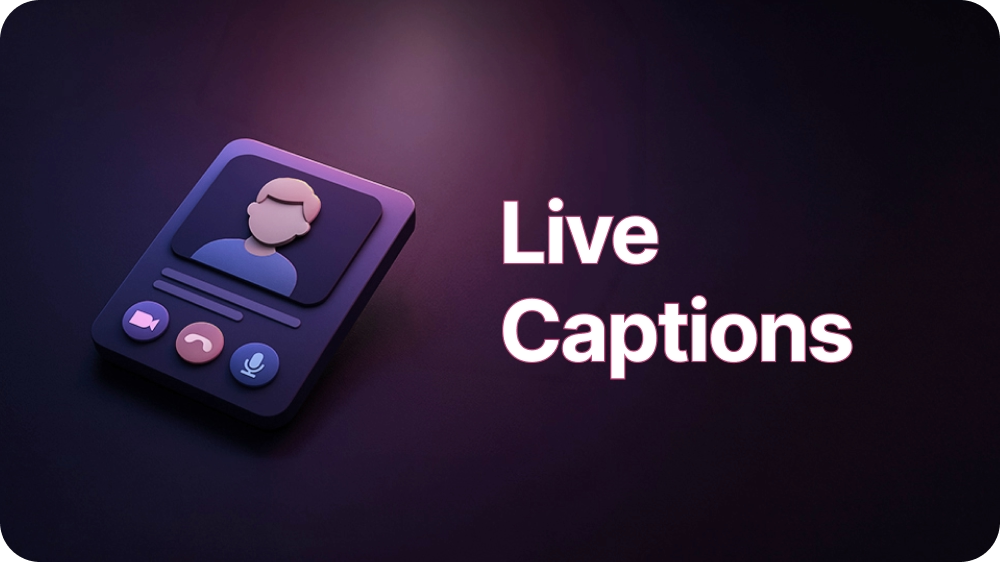
Launched in v3.2 (February 2026), live captions run during both voice and video roleplay calls and can be toggled on or off at any point with a button in the call toolbar. When on, a scrollable panel shows the last several exchanges (typically 5 to 8 turns) with each speaker's name, a small avatar, and the exact text, auto-scrolling as the conversation continues. In voice calls the panel sits below the agent card; in video calls it appears as a strip beneath the video or screen share. If the agent uses a gatekeeper, captions correctly label the gatekeeper's lines until transfer, then switch to the main agent's name.
After the call, the full transcript is available in conversation history, synced to the recording. This is where the second half of the feature matters: scorecard feedback and notes include clickable timestamps, and clicking one jumps directly to that exact moment in the recording and transcript, rather than requiring the rep or manager to scrub through the whole call to find it.
Captions are generated by speech-to-text, so they can occasionally mishear a word, name, or number. They're meant to be read as a reliable guide during the call, not a verified record, so if something said is critical, the advice is to confirm it out loud rather than trust the caption text alone.
Full details are in Live Captions During Roleplay Calls.
A rep reviewing their own scorecard can click straight to the moment they missed a discovery question, instead of replaying ten minutes to find it. A manager coaching a team on objection handling can pull up five different reps' calls and jump each one directly to the pricing objection to compare responses side by side.
For non-native speakers or reps who prefer reading alongside audio, captions during the live call itself mean fewer moments of guessing what was said instead of responding to it.
A compliance reviewer auditing insurance sales calls for required disclosure language can jump straight to the moment a rep was supposed to state a specific disclosure, instead of listening through an entire call to confirm it was said, and said correctly.
The two halves of this feature solve the same underlying problem at different points in the call's life: captions catch what a rep might otherwise miss while it's happening, timestamps catch it again when a rep or manager comes back to review. Neither one is useful without the recording and transcript already being there, but together they turn a twenty-minute call into something that can be searched rather than just replayed from the start.
Feedback that requires hunting for the moment it refers to rarely gets acted on. Feedback that points straight at it does.
Tool trainers in Outdoo teach a specific application. The trainer shares its screen during the session, so it can point at the field it is describing.
Skill trainers in Outdoo teach applied practice. The trainer takes a part in the conversation, pushes back, and tells your team what to do differently.
Concept trainers in Outdoo teach foundational knowledge from your own documents. Attach a plan summary and your team learns it by talking it through.
A 30-minute walkthrough built around your team's calls. When you're ready, prove it with a proof of concept.