
Tool trainers: teaching the software while the conversation is happening
Tool trainers in Outdoo teach a specific application. The trainer shares its screen during the session, so it can point at the field it is describing.
Read →
Outdoo's new MCP server exposes 39 tools across conversations, CRM, and organization data to Claude Code, Glean, and any MCP-compatible client.
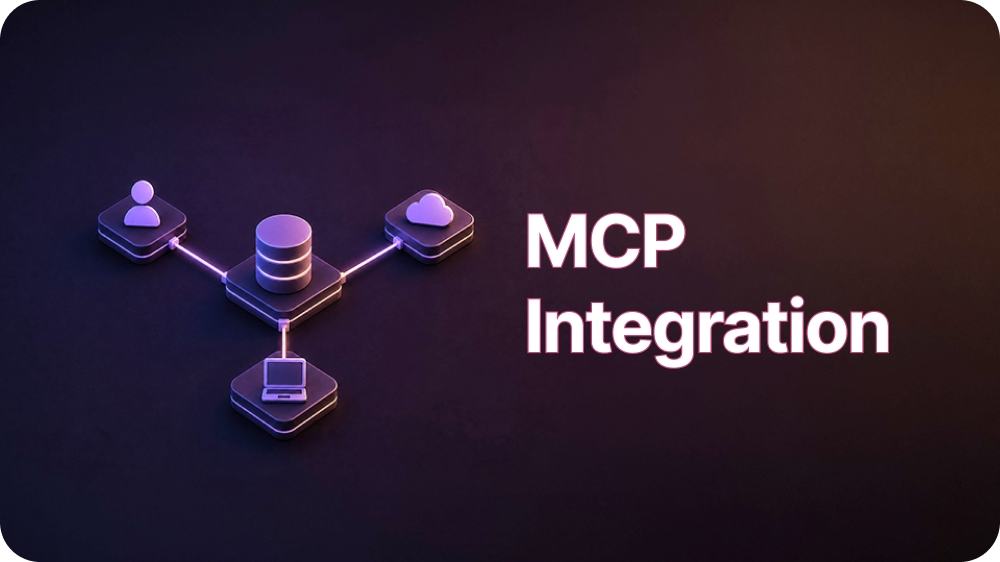
Your conversation intelligence and CRM data live in Outdoo. Your team spends most of the day somewhere else, inside Claude, inside Glean, inside whatever AI assistant already has a tab open. Until now, moving information between those two worlds meant logging into Outdoo, running a report, and pasting the results into a chat window by hand.
That gap is the actual cost. A sales leader who wants a read on last week's customer conversations has to stop what they're doing, dig through a dashboard, and reassemble the picture manually. An enablement manager building a coaching plan does the same thing again in a different tab. The data is good. Getting to it is the bottleneck.
The Outdoo MCP server closes that gap. MCP, the Model Context Protocol, is an open standard for connecting AI assistants to external tools and data, not something Outdoo invented. What Outdoo built is a server that exposes conversation intelligence, CRM data, and company context as 39 tools an MCP-compatible client can call directly, organized into three namespaces: Organizations, Conversations, and CRMs.
Setup is deliberately plain. The server runs over HTTP at a single fixed endpoint, authenticated with an API key and workspace ID passed as request headers. Claude Code detects the connection automatically once a small configuration file sits in a project root or home directory, no separate install step required. Glean connects to the same server as an MCP connector under Admin, Connectors, MCP.
Any other client that speaks the MCP HTTP transport can connect using that same endpoint and those same headers. Developers building their own pipelines can call it programmatically too, either through the Anthropic Python SDK's native MCP client support or by sending JSON-RPC requests straight to the HTTP endpoint. Authentication runs on JWT-based API keys scoped to a workspace, and each key carries its own expiry date baked into the token, so a client that suddenly starts getting 401 responses can decode the JWT to check the expiry rather than guessing at what changed. Full setup steps for each client are in the Outdoo MCP help article. The server shipped in Outdoo's v3.9 release on May 28, 2026.
A sales manager opens Claude, asks for all external conversations from the last seven days, and gets back key points, buying signals, objections, and feature requests, without opening Outdoo at all.
A RevOps analyst writes a short script that queries deal conversations on a schedule and drops a digest into a shared channel every Monday morning. An enablement lead searches Glean for a specific objection and finds it sitting next to the product documentation and win-loss notes it needs to be read alongside.
A customer success leader connects a renewal-prep tool that already speaks MCP straight to the same endpoint, pulling the last quarter's conversations for a specific account into the QBR deck without exporting a single CSV from Outdoo first.
Every prior generation of integration work meant picking which tools were worth a dedicated connector and living with a growing backlog of the ones that weren't.
A protocol changes that math: the connector gets built once, against the standard, and every client that speaks it inherits the work for free, including tools that don't exist yet. None of this required Outdoo to build a Claude integration and a separate Glean integration.
It required building one server against a shared protocol, which means the next MCP-compatible tool your team adopts gets access to this data for free.
Tool trainers in Outdoo teach a specific application. The trainer shares its screen during the session, so it can point at the field it is describing.
Skill trainers in Outdoo teach applied practice. The trainer takes a part in the conversation, pushes back, and tells your team what to do differently.
Concept trainers in Outdoo teach foundational knowledge from your own documents. Attach a plan summary and your team learns it by talking it through.
A 30-minute walkthrough built around your team's calls. When you're ready, prove it with a proof of concept.